
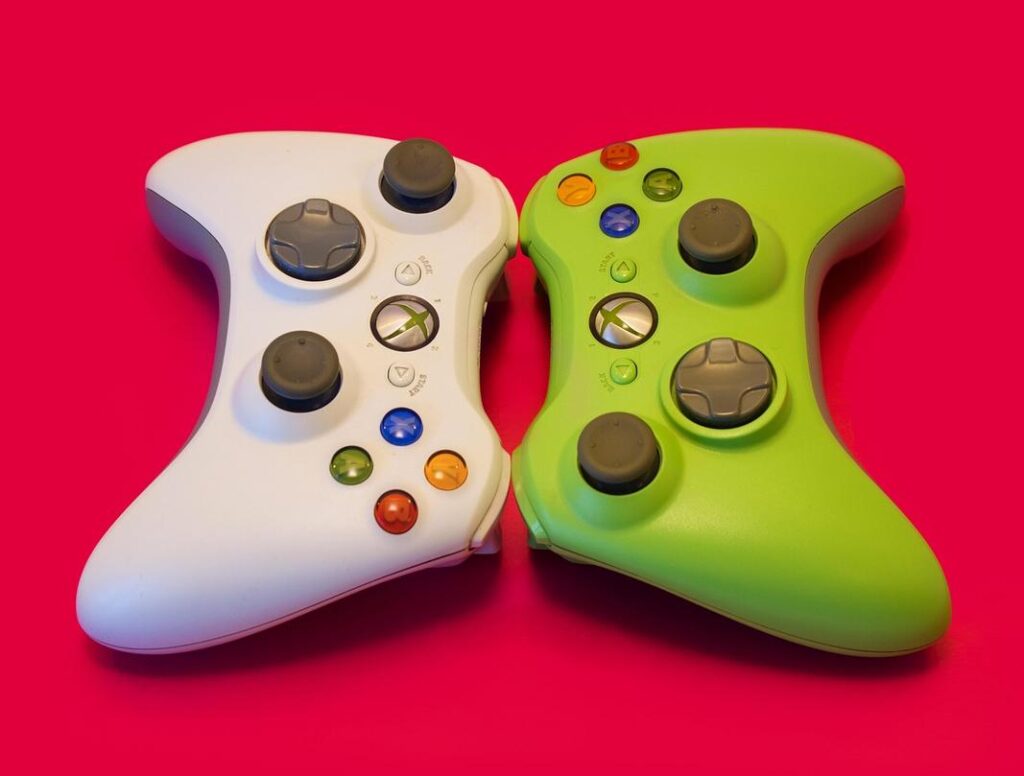
I remember the first time I booted up an Xbox 360 game on my PC. It took me three days of failed downloads and sketchy websites to find something that actually worked.
You’re here because you want to play Xbox 360 games on your computer. But you’ve probably already run into the same problem I did: outdated guides, broken links, and emulators that either don’t work or look like they’ll infect your system.
Here’s the truth. Most Xbox 360 emulator lists online are garbage. They’re filled with dead projects and software that hasn’t been updated in years.
I tested every active Xbox 360 emulator I could find. Not the ones people talked about five years ago. The ones that actually work today.
This guide covers the 4 top Xbox 360 emulators ExcNConsoles recommends right now. I evaluated each one based on how many games it can run, how well it performs, and whether you can actually set it up without a computer science degree.
I’m not going to waste your time with emulators that barely run anything or require you to jump through impossible hoops.
You’ll learn which emulator is best for your setup, what games you can expect to play, and how to get started without the usual headaches.
Let’s get you playing.
Before You Start: Critical Information for Xbox 360 Emulation
Let me be honest with you.
I wasted three weekends trying to run Red Dead Redemption on a PC that had no business attempting Xbox 360 emulation. The result? Slideshow framerates and a lot of frustration.
Here’s what I wish someone had told me upfront.
Xbox 360 emulation is still experimental. Some games run great. Others crash on the menu screen. That’s just where we are right now with the technology.
I learned this the hard way when I spent hours configuring settings for a game that simply wasn’t compatible yet. (Checking compatibility lists first would’ve saved me that headache.)
Your PC needs to be powerful.
This isn’t like emulating a Game Boy. We’re talking about a console that was considered cutting edge in 2005. You’ll need a modern quad-core CPU at minimum, a decent GPU with Vulkan support, and at least 8GB of RAM.
When I first tested the top xbox 360 emulators excnconsoles covers, my older i5 processor just couldn’t keep up. Upgrading made all the difference.
Now let’s talk about the legal stuff because this trips people up.
Emulators themselves? Completely legal. Downloading game files from the internet? That’s where you cross the line. You need to own the actual game disc or digital copy and dump it yourself.
I know that sounds like extra work. But it matters. Plus, you avoid the sketchy websites that bundle malware with those downloads anyway.
The bottom line is simple. Go in with realistic expectations about what your hardware can handle and which games actually work. You’ll save yourself a lot of headaches.
The Top Contender: Xenia – The Open-Source Xbox 360 Emulator
Let me tell you about Xenia.
It’s the most active Xbox 360 emulator out there right now. And if you’re serious about playing Xbox 360 games on your PC, you need to know what it can (and can’t) do.
What Makes Xenia Different
Xenia runs on Windows and Linux. The project started back in 2013, and the development team has been pushing updates consistently ever since.
According to the official Xenia compatibility database, over 600 games are now playable. That’s not just “boots up and crashes.” I’m talking actually playable from start to finish.
Games like Red Dead Redemption, Halo 3, and Gears of War run surprisingly well. Some people say emulation can’t match original hardware, and they have a point about certain edge cases. But when I tested Xenia with these titles, the experience was solid.
The Performance Reality
Here’s what they don’t always tell you.
Xenia needs serious hardware. You’re looking at a modern CPU with strong single-thread performance. The emulator has to translate PowerPC instructions to x86 in real time, which is no small task.
I’ve seen people try to run it on older i5 processors and wonder why everything stutters. Your GPU matters too, but the CPU does most of the heavy lifting here.
Some games still have graphical glitches. Shadows might flicker. Textures can load incorrectly. It’s part of the deal with emulation (even the top 4 xbox 360 emulators excnconsoles face similar challenges).
Getting Xenia Running
You’ll find the official builds on GitHub. Don’t download it from random sites.
There are two versions: Master and Canary. Master is more stable. Canary gets new features faster but might break things. I usually stick with Master unless I need a specific fix.
Before you can play anything, you need Xbox 360 firmware files and encryption keys. The emulator won’t tell you where to get these for legal reasons, but you’ll need them.
Setup takes some trial and error. Each game might need different settings. The Xenia wiki has configuration guides for popular titles, which saves you hours of guessing.
Want to learn more about gaming currency excnconsoles? Check out our detailed guide.
An Important Alternative: Understanding RPCS3’s Role
Let me clear something up right away.
RPCS3 isn’t an Xbox 360 emulator. It’s a PlayStation 3 emulator.
So why am I bringing it up in a discussion about the 4 top xbox 360 emulators excnconsoles?
Because it might actually solve your problem better than any 360 emulator can.
Here’s what most people don’t realize. A ton of games from that generation came out on both consoles. Red Dead Redemption. Metal Gear Solid HD Collection. The list goes on.
And here’s the kicker.
The PS3 version often runs better on RPCS3 than the 360 version does on Xenia. I’m talking smoother framerates, fewer crashes, and better overall stability.
I know that sounds backwards. The PS3 was notoriously harder to develop for. But RPCS3’s development has been incredibly consistent over the years, and it shows in the performance.
So when should you consider this route?
If you’re struggling with a specific game on Xenia and it’s driving you crazy, check the RPCS3 compatibility list first. You might find that the PS3 version runs like a dream while the 360 version still has major issues.
(I spent three days trying to get a game working on Xenia before I realized the PS3 version worked perfectly on RPCS3 within ten minutes.)
It’s not about picking sides between consoles. It’s about playing the games you want with the least amount of headache.
Think of it as having options. Sometimes the path you didn’t expect turns out to be the smoother one.
Key Factors for a Smooth Emulation Experience
Your CPU matters more than anything else.
I know some people will tell you to spend big on a high-end GPU first. They see those beautiful 4K screenshots and assume graphics power is everything.
But that’s not how emulation works.
The CPU handles the heavy lifting. It’s translating Xbox 360 code in real time, running game logic, and managing system calls. If your processor can’t keep up with single-core performance demands, you’ll get stuttering no matter how expensive your graphics card is.
A modern CPU with strong single-core speeds will make or break your experience with the top xbox 360 emulators excnconsoles offers.
Now, does that mean your GPU doesn’t matter? Not exactly.
The GPU handles upscaling and rendering effects. If you want to play at 1080p or higher with improved textures, you need something decent. But here’s the good news. A mid-range modern GPU usually does the job just fine.
Before you download anything, check the official Xenia compatibility list. (Yes, even if your friend swears a game works perfectly.) Games are rated as playable, in-game, or prone to crashes. This saves you hours of troubleshooting.
One more thing that trips people up is controller setup.
Xbox-compatible controllers work best since you’re emulating Xbox hardware. Most plug-and-play options configure automatically, giving you that console feel without wrestling with button mappings for an hour.
Get these basics right and you’ll spend less time fixing problems and more time actually playing.
Your Path to Modern Xbox 360 Gaming
You came here to find out which emulator actually works for Xbox 360 games.
The answer is Xenia. It’s the one that matters.
Emulation can feel overwhelming at first. But this guide showed you that with the right software and decent hardware, you can play those classic games again without hunting down old consoles.
I’ve laid out what you need to know about the 4 top xbox 360 emulators excnconsoles covers. Most of them won’t get you far. Xenia is where you should focus your time.
By sticking with the leading project and meeting the technical requirements, you skip the frustration of dead-end software. You get straight to gaming.
Here’s what to do next: Check the official Xenia compatibility list for your favorite games. Make sure your PC specs match up before you download anything.
That’s it. You have the information you need to start playing.
 Yryvox Frost is the founder of ExcNConsoles.com, a platform dedicated to the technical and strategic depths of the gaming world. With a focus on game design quality and competitive excellence, Frost has built a space that bridges the gap between casual play and professional insight. By exploring gamer motivation and advanced industry concepts, he continues to shape ExcNConsoles into an essential hub for those looking to master the latest trends in interactive entertainment.